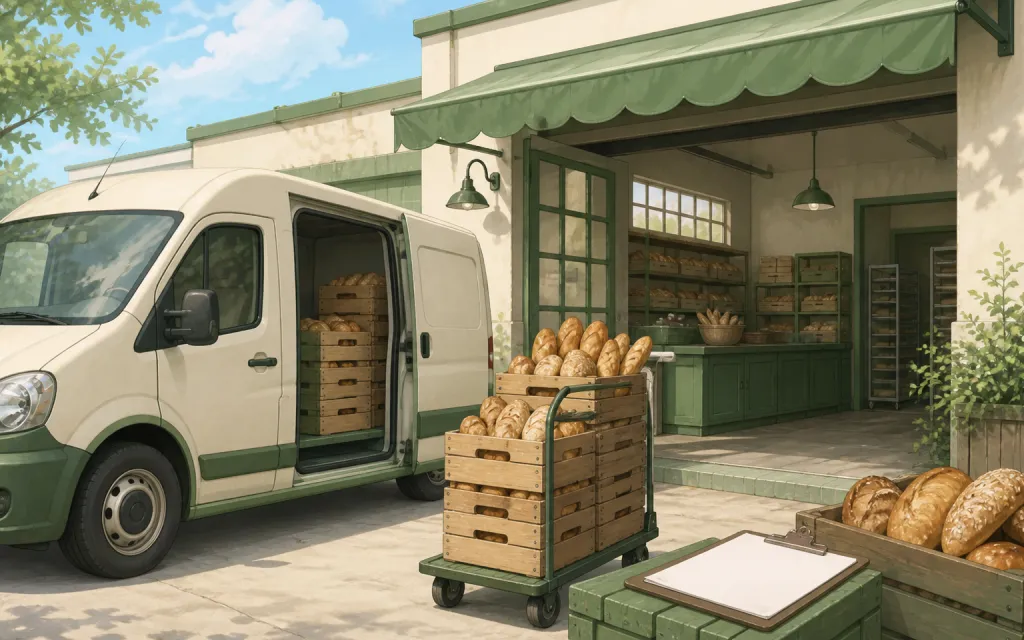
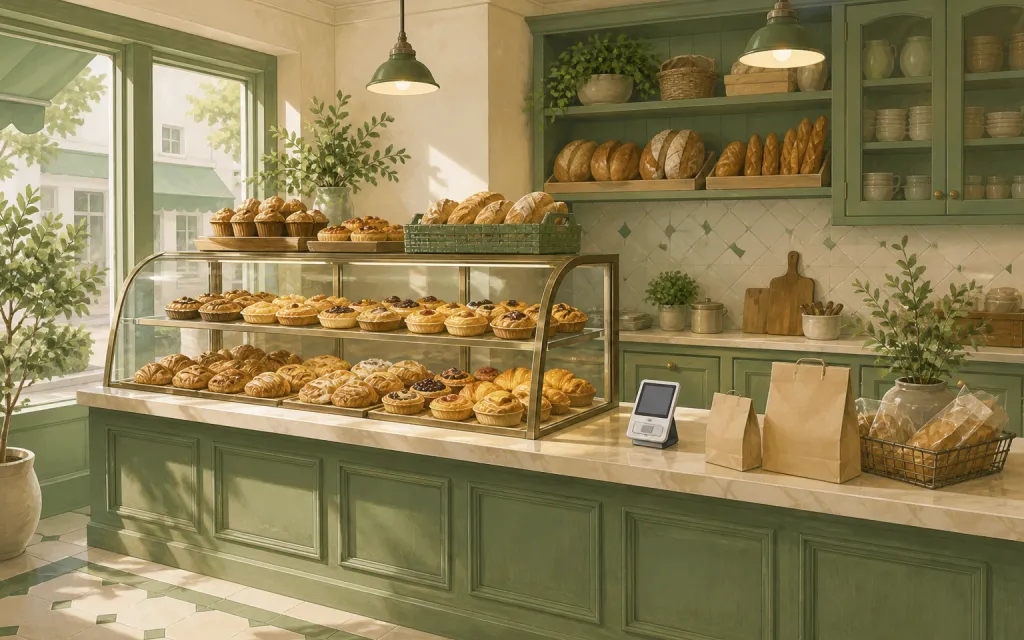
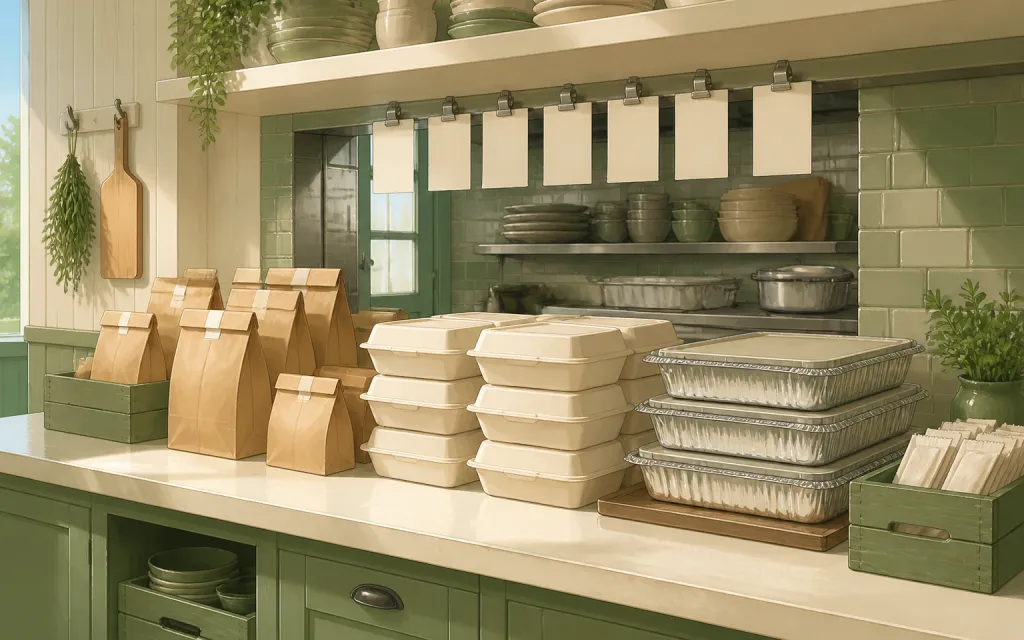
Almost every guide to selling online opens by telling you to build a website. For pre-orders, that advice is backwards. A website is a permanent storefront for things that are always available. A pre-order is the opposite: a short list of specific items, available for a few days, collected on one date, in a quantity you can actually produce.
You can run that on a phone. What follows is the setup used by bakers, farm stands, cookie decorators, and pop-up kitchens who take hundreds of orders a season and have never owned a domain.
Step 1: define the round before you define the channel
A pre-order round is four decisions. Make them in this order, write them down, and everything downstream gets easier.
- 1
What is on the list
Between three and eight items. More than that and people scroll instead of choosing. Name each one the way a customer would say it out loud — "Cinnamon rolls · 6-pack", not "CR6".
- 2
How many of each you can make
Not how many you hope to sell — how many you can produce on the day without a 2am shift. This number is the cap. Write it next to each item.
- 3
When ordering closes
Pick a date and time, not "until they're gone". A deadline gives you a moment when the list stops moving and prep can start.
- 4
When and where they collect
One pickup window, one address, or a small set of slots. Delivery is a whole second business — do not add it to your first round.
Step 2: make one order link
Everything below assumes a single URL that opens an order page on a phone. Not a DM thread, not a comment form, not a Google Doc. One link you can paste anywhere, that shows your items and takes an order.
The link has to capture five things, and it should refuse to submit without them:
- Items and quantities. A quantity stepper per item, so a customer ordering three loaves does not have to submit three times.
- A name. Pickup day runs on names. Full name, required.
- A phone number. One text when a batch runs late saves twenty conversations at the counter.
- A pickup slot. Even two slots beats none — it turns a crowd into a queue.
- Allergies or notes. One long-text field. Make it required if you sell food; "none" is a valid answer and getting it in writing matters.
You can build this in a free form tool, and plenty of people do — see the walkthroughs for Google Forms and Microsoft Forms if that is your starting point. The catch is that generic form builders have no idea what a product is: they will not show a price next to an item, will not add up a total, and will not stop taking orders when you hit your cap. For a first round of twenty orders that is fine. Past that you will feel it.
Step 3: put the link in four places
The mistake is posting the link once. People do not see one post. They see the fourth one. Put the same link in all four of these, and leave it there for the whole round.
Instagram bio and story stickers
Your bio is the only permanent link real estate you have. Instagram allows several links in a bio now, so add the order link with a clear label — "Order for Saturday pickup" — rather than a bare URL. Change the label, not the link, each round.
Stories do the actual selling. Use the link sticker on every story that shows the food: the mixing bowl, the tray coming out, the boxed order. Three stories across the ordering window will out-perform one carefully designed grid post, because a story sticker is one tap from the order page and a grid caption is not.
In the grid post itself, put the deadline in the first line of the caption and pin your own comment with the link. Instagram does not make caption links tappable, so the pinned comment is how people get there without typing.
WhatsApp for the people who already buy from you
WhatsApp is where your regulars are, and regulars are most of your pre-order volume. Three things worth setting up:
- A broadcast list of past customers. Everyone gets your message individually, nobody sees each other's numbers, and nobody can reply-all. Recipients have to have your number saved for it to reach them — worth saying in the message when you first ask people to add you.
- A channel, if your list has outgrown a broadcast. It is one-way, followers do not need to save your number, and it works better as an announcement feed than a group ever did.
- Your away message and greeting set to the order link. Someone messaging you at 11pm to ask if you have any sourdough left gets an instant answer that includes the order page.
What WhatsApp should not be is where orders are taken. The moment somebody types "2 sourdough and a rye please" into a chat, you own the arithmetic, the reminder, and the risk of losing it under thirty other messages. Reply with the link. It feels abrupt the first time and it stops being abrupt by the third round.
A printed QR code where people already stand
This is the channel most people skip and it converts better than any of the others, because the person is already holding your product. Print the QR at least an inch and a half across, put a single line of text above it — "Pre-order next weekend's bake" — and place it at eye level where people wait: the counter, the market stall front, the road sign, the back of the delivery note, the box lid.
Test the printed code with two phones before you print fifty. And keep the underlying link stable, so last month's flyers still work.
Email and SMS, for the round after this one
Ask for an email address on the order form. Not to send a newsletter — to have a list you own, on the day an algorithm decides your posts should reach nobody. A single plain email on the Sunday a round opens, sent to people who have bought from you before, routinely out-sells a week of stories.
Step 4: run the round
- 1
Open with the deadline visible
First post, first line: what is available, what it costs, when ordering closes, when pickup is. Every channel gets the same four facts on the same day.
- 2
Post the mid-week reminder
Two days before close, post what is nearly gone. Scarcity that is true is the most effective thing you will ever write, and it costs you nothing.
- 3
Close the form on time
At the deadline, close ordering so the link says so. This is the single highest-value habit in the whole process — it converts a stream of requests into a fixed list you can shop and prep against.
- 4
Send one confirmation message
The day before pickup, message everyone their slot and the address. Half your no-shows are people who forgot, not people who changed their mind.
- 5
Work the list on the day
Sorted by pickup slot, names on boxes, tick each one off as it leaves. Anything unclaimed by the end gets one text, then goes on the counter.
The three mistakes that cost the most
Taking orders in more than one place. DMs plus comments plus a form is three lists that disagree. Pick one, and redirect the other two to it every single time.
Not writing the total down. If the customer's number and your number differ at pickup, you will eat the difference to keep the peace. An order page that calculates the total and shows it back to the customer at the moment they order ends this permanently.
No order number. "I definitely ordered two" is unanswerable without one. A short reference on the confirmation screen — the customer screenshots it, you search it — settles the entire category of dispute.
When you actually do need a website
Honestly: when your products stop changing. If you sell the same twelve things every week, all year, with stock that replenishes, a proper store is the right tool and worth its monthly cost. Same if you ship, need real-time inventory across channels, or want to run paid ads to a catalogue.
But if your list changes every week, if the quantity is capped by your own hands, and if everything is collected in person — a store is an expensive way to solve a problem you do not have. A link is enough. It has been enough for a long time.