For florists, bakers, chocolatiers & gift makers
Every Valentine's order in, before the 14th.
Bouquets, dipped strawberries, and gift boxes sold through one link — capped at what you can make, with delivery dates and card messages captured, so the busiest day of your year runs to a list.
Free while in beta · No card required
Sweetheart & Stem
Valentine's pre-order · Feb 14
Dozen red roses · wrapped
$65.00
Chocolate-dipped strawberries · box of 6
$28.00
Delivery (flat rate)
$10.00
Live demo — try the steppers. Nothing is sent.
Valentine's week, every year
A year's orders in three days
The whole season lands in seventy-two hours across DMs, texts, and comments — and you're triaging screenshots instead of making anything.
Delivery windows collide
Everyone wants theirs on the 14th, at the same hour, and without a slot system half the day's route is impossible.
Card messages get rushed and wrong
Under pressure, the one message that has to be perfect gets misheard from a phone call and misspelled on the card.
Why QuickOrderForm
Built for the Valentine's rush
Caps that match what you can make
Set a maximum on every bouquet and box; when you're at capacity the form says sold out, so you never promise more roses than you can wrap.
Delivery slots that make the route work
A pickup-or-delivery-window dropdown spreads the 14th across the day, so the driver has a route that's actually drivable.
Card messages captured word for word
A text field takes the exact message with the order — no misheard wording on the one day it matters most.
A day that runs to a list
Every order lands with its slot, delivery details, and card message, totalled and sorted, so the 14th is a schedule to work through.
From link to fulfilled, in three steps.
- 1
List the Valentine's menu
Bouquets, dipped strawberries, gift boxes with caps and prices, plus a delivery line, a required date-or-slot field, and a card-message field.
- 2
Open pre-orders in late January
Instagram, the email list, a sign at the counter. The description carries your order deadline and delivery area.
- 3
Make and deliver by slot
Item totals drive what you prep; the dashboard sorted by slot is your delivery and pickup schedule for the day.
What to put on a Valentine's pre-order form
A Valentine's form lives on caps, slots, and the card message. Get these right and the busiest day runs itself:
- ✓
Bouquets and boxes with caps
Cap each item at what you can genuinely make — the form enforces sold-out so you don't have to.
- ✓
Delivery or pickup slot (dropdown, required)
Everyone wants the 14th — slots turn one impossible hour into a drivable route.
- ✓
Card message (short text)
Captured word for word with the order, so the message that matters is never misheard.
- ✓
Delivery as a priced line
A flat-rate delivery line the customer adds — so postage is charged and the total is right.
Frequently asked questions
+When should I open Valentine's pre-orders?
Most makers open in the last week of January and close a day or two before the 14th so there's time to prep. Put both dates in the form description, and switch the form to Closed once you're at capacity.
+How do I stop overselling on the busiest day?
Cap every item at what you can make, and the form stops taking orders at the cap. For a hard stop across the whole menu, switch the form to Closed — the link stays live and tells customers ordering has ended.
+How do I handle delivery on the 14th?
Add delivery as its own priced line and use a slot dropdown so collections and deliveries spread across the day. The dashboard sorted by slot is your route and pickup schedule.
+Does this fit into a seasonal series?
Yes — it's the Valentine's companion to the Thanksgiving and Christmas pre-order forms. Reuse the pattern each season, or keep one form per holiday so every season's orders stay separate.
Also made for the way they sell
Wholesale
Weekly standing orders from your stockists
Farm stands
CSA boxes and honey jars by the crate
Pop-ups & catering
Per-head menus, headcounts and pickup windows
Bakeries
Weekend menu drops that sell out by Friday
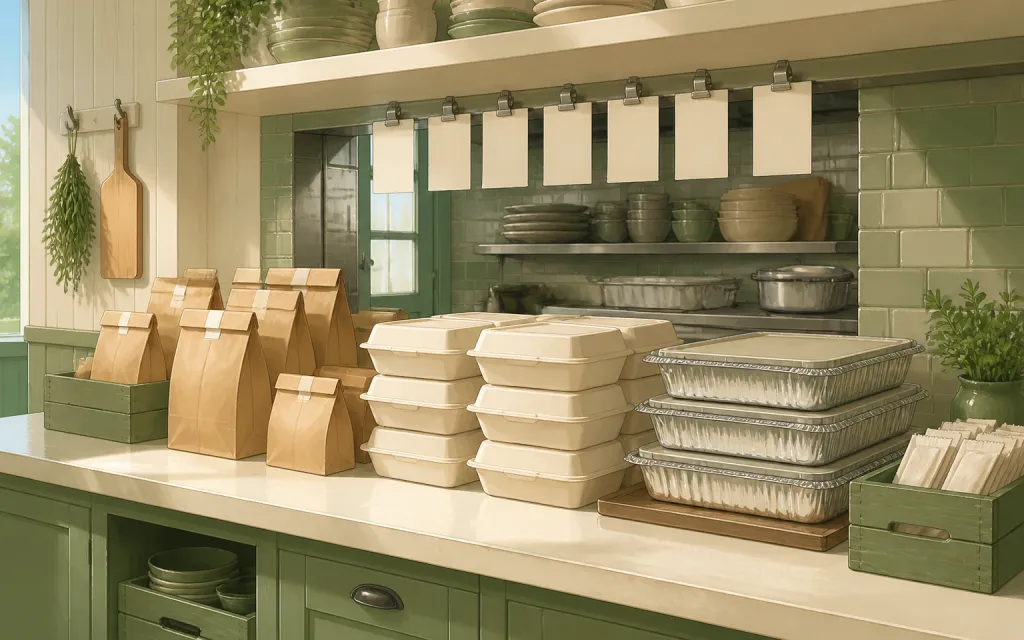
Restaurants
Pre-orders and catering trays for the weekend
T-shirts & merch
Size and color runs counted before the print deadline
Fundraisers
Campaign orders tallied without the paper envelopes
Thanksgiving pre-orders
Pies and dinners claimed before the Wednesday rush
Christmas cookies
Cookie boxes and tins sold in limited batches
Florists
Arrangements ordered ahead with dates and card messages
Photographers
Picture-day packages matched to the right subject
Spirit wear
School tees and hoodies sized and sorted by classroom
Custom apparel
Embroidered and printed clothing orders, spec'd and counted
Schools & PTAs
Yearbooks, lunches and spirit sales from one account
Sports teams
Kit sized per player, numbered, and reordered each season
Embroidery & printing
Custom decoration jobs quoted right the first time
Home bakers
Cottage-kitchen orders out of the DMs and into a list
Meal prep
Weekly menus and meal packs on a repeating link
Open Valentine's pre-orders before the 14th becomes a scramble.
Free while in beta — unlimited forms, unlimited orders.
Create your form — free