For booster clubs, PTAs & school spirit sales
The whole spirit-wear run, sized and sorted.
One link instead of two hundred paper slips. Parents pick their sizes, you get a per-size print tally and orders sorted by grade — so delivery day is a name check, not a guessing game.
Free while in beta · No card required
Westlake Boosters
Fall spirit wear · Grade 3–4
Spirit tee · Navy · L
$18.00
Hoodie · Grey · M
$40.00
Car window decal
$8.00
Live demo — try the steppers. Nothing is sent.
The spirit-sale scramble
Slips come back late and short
Half the order forms surface after the deadline, three are illegible, and the cash rarely matches the sizes written on the slip.
The print count is guesswork
You tally two hundred handwritten slips by size, twice, because the totals didn't agree the first time — and the reorder is never at the first-run price.
Delivery day is a sorting nightmare
Boxes of shirts, no obvious system, and a volunteer matching names to classrooms from a roster at the office counter.
Why QuickOrderForm
Made for school spirit sales
A per-size print tally
One line per size means the dashboard totals the run by size automatically — the exact count you send the decorator, with no second tally.
Orders credited to a student and grade
A required student-name and grade field sorts the whole sale by classroom, so delivery day works down a list instead of matching handwriting.
Totals the treasurer trusts
Every order arrives with a calculated total, so the money reconciles against the sizes instead of against what someone scrawled on a slip.
One link, many families
Share the same link across every class group and newsletter. No logins, no app — parents order and pay from their phone in a minute.
From link to fulfilled, in three steps.
- 1
List garments and sizes as products
One line per size, add-ons like decals as their own priced lines, extended sizes at cost. Add required student-name and grade fields.
- 2
Send the link to every family
Class email, the PTA newsletter, a QR on the flyer. The description carries the closing date and payment instructions.
- 3
Order the run, deliver by grade
The per-size totals are your print order; the dashboard sorted by grade is your delivery list. Mark each order fulfilled as it goes home.
What to put on a spirit wear order form
A spirit-wear form is a size run and a fundraiser at once. Cover these and both jobs are done:
- ✓
One product per size
A per-size line gives you the print tally directly — no re-counting slips, no reconciling two totals.
- ✓
Student name (short text, required)
It's how the box gets to the right backpack — required so no order is orphaned.
- ✓
Grade or homeroom (dropdown, required)
Routes delivery to the right classroom; the dashboard groups the whole sale by it.
- ✓
Add-ons as priced lines
Decals, spirit accessories — each with its own price so the total is right and the club never eats the difference.
Frequently asked questions
+How do I get a print count by size?
List each size as its own product line. The dashboard totals the run by size as orders come in, so at the deadline you have the exact count to send your decorator — no tallying paper slips.
+How do we handle cash and cheque payments?
The form records what was ordered and the total; most sales collect a mix of online and cash. The CSV export totals the money by order so the treasurer can reconcile it against the sizes.
+How do orders get to the right classroom?
Make the student name and grade required. Sort or export the dashboard by grade and each teacher's stack comes off the list together, labelled and ready.
+Is it really free for a school group?
Yes — free while we're in beta, with unlimited forms and orders, and no per-order fee taken out of what you raise.
Also made for the way they sell
Wholesale
Weekly standing orders from your stockists

Farm stands
CSA boxes and honey jars by the crate

Pop-ups & catering
Per-head menus, headcounts and pickup windows
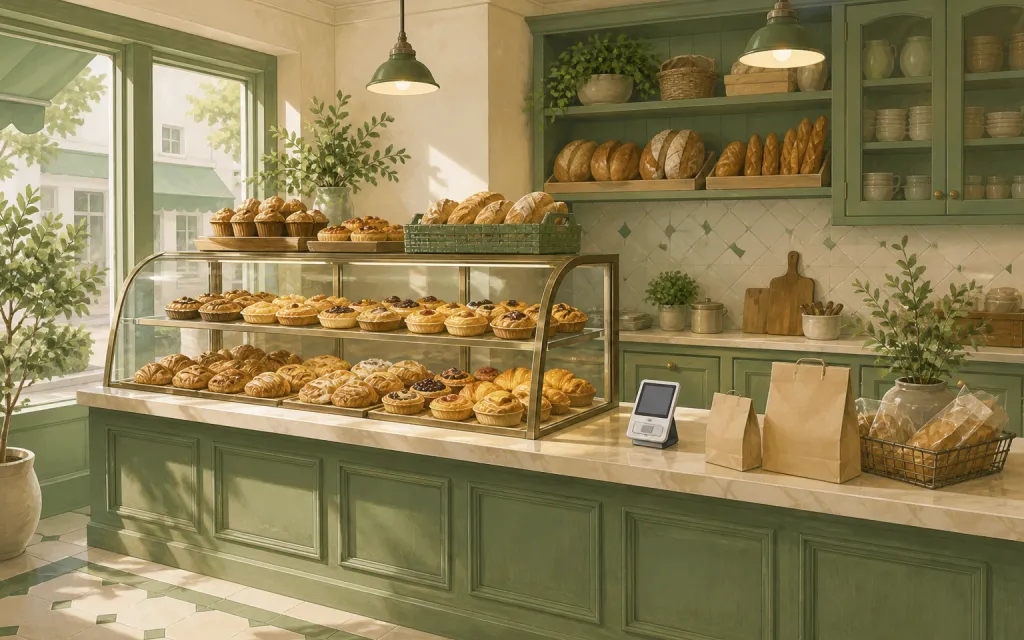
Bakeries
Weekend menu drops that sell out by Friday
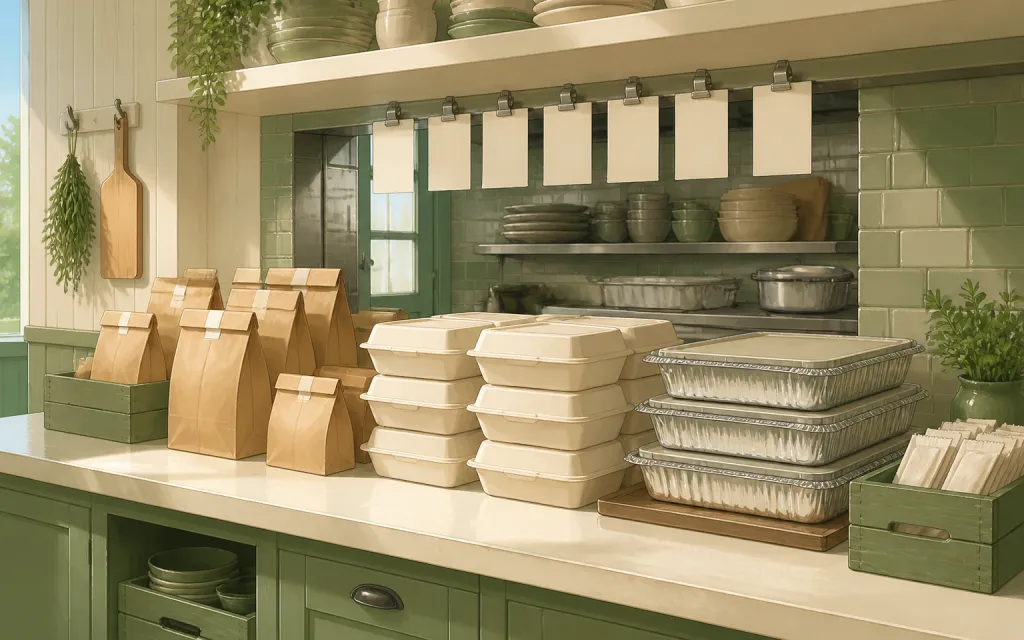
Restaurants
Pre-orders and catering trays for the weekend
T-shirts & merch
Size and color runs counted before the print deadline
Fundraisers
Campaign orders tallied without the paper envelopes
Thanksgiving pre-orders
Pies and dinners claimed before the Wednesday rush
Christmas cookies
Cookie boxes and tins sold in limited batches
Florists
Arrangements ordered ahead with dates and card messages
Photographers
Picture-day packages matched to the right subject
Custom apparel
Embroidered and printed clothing orders, spec'd and counted
Schools & PTAs
Yearbooks, lunches and spirit sales from one account
Sports teams
Kit sized per player, numbered, and reordered each season
Embroidery & printing
Custom decoration jobs quoted right the first time
Valentine's pre-orders
Roses, chocolates and gift boxes claimed before the 14th
Home bakers
Cottage-kitchen orders out of the DMs and into a list
Meal prep
Weekly menus and meal packs on a repeating link
This sale, tallied by size and sorted by class.
Free while in beta — unlimited forms, unlimited orders.
Create your form — free