For producers who supply shops, cafés & delis
Wholesale ordering without the email ping-pong.
Give every stockist one link. They order cases in seconds, you see every order — with totals already calculated — in one dashboard before your production run.
Free while in beta · No card required
Hearth & Crust Bakehouse
Weekly wholesale order
Sourdough case · 12 loaves
$78.00
Baguette case · 24
$54.00
Pastry mix tray · 15
$42.00
Live demo — try the steppers. Nothing is sent.
Sound like your Monday morning?
Orders arrive everywhere
One café texts, another emails, a third calls after the cut-off. You copy everything into a spreadsheet and hope nothing slipped through.
Quantities get misheard
"Two trays" becomes two cases, invoice disputes follow, and you eat the difference to keep the account happy.
Production planning is guesswork
You can't total up the week's orders until you've chased the last stragglers — so you either overbake or run short.
Why QuickOrderForm
Built for standing orders
Case quantities with limits
List each product with its wholesale price and a maximum per order, so nobody books more than your ovens can handle.
One link for every stockist
Send the same link to every account — or drop it in your invoice footer. No logins, no app, works on any phone.
Totals your bookkeeper will trust
Every order arrives with line totals and an order total calculated from your prices — not from what someone typed in a text.
CSV export for invoicing
Export the week's orders to CSV in one click and pull it straight into your invoicing or accounting flow.
From link to fulfilled, in three steps.
- 1
List your wholesale range
Products, case sizes, wholesale prices, order limits. Add a delivery-date field and a notes box for dock instructions.
- 2
Send stockists the link
Email it once, pin it in your WhatsApp threads, print the QR on your delivery notes. Mention your cut-off in the form description.
- 3
Bake to real numbers
At cut-off, your dashboard is the production sheet: confirmed cases per product, per account, with totals ready for invoicing.
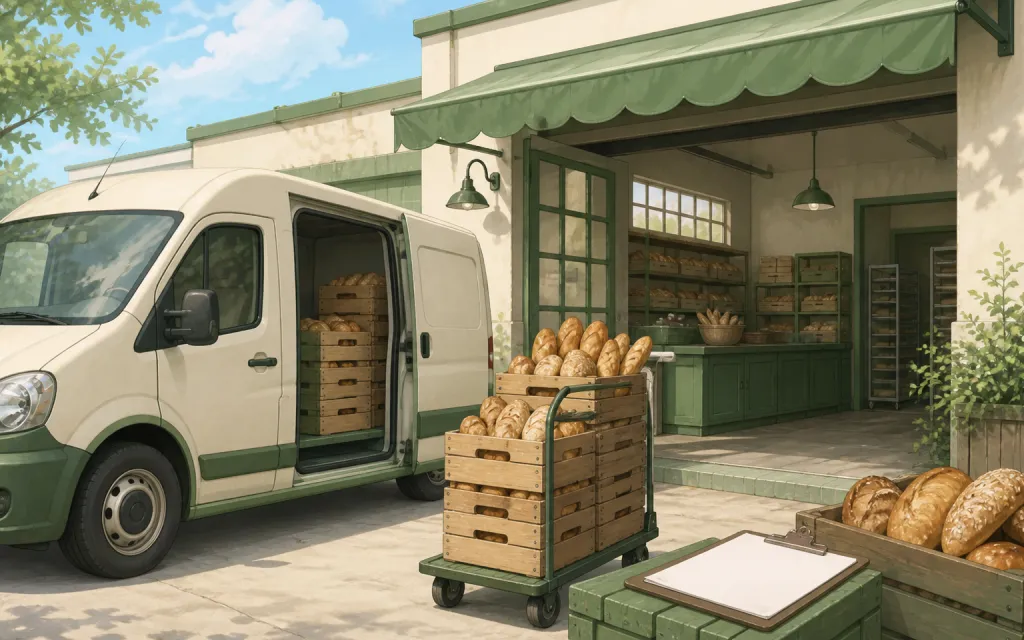
What to put on a wholesale order form
A good wholesale order form reads like your line sheet — clear products, case sizes, and the details your delivery driver needs. These fields cover most producers:
- ✓
Products with case size in the name
Name items the way accounts order them — "Sourdough case · 12 loaves" prevents the classic units-versus-cases mix-up.
- ✓
Delivery or pickup date (date field)
Lets accounts order ahead for specific days, and lets you group the dashboard by delivery run.
- ✓
Store or account name (short text, required)
One link serves every stockist, so make the account name mandatory to keep orders attributable.
- ✓
Delivery notes (long text)
Loading-dock codes, back-door instructions, invoice references — everything the driver usually learns the hard way.
Frequently asked questions
+Can each stockist have their own prices?
Today one form carries one price list. If you run tiered pricing, create a separate form per tier — each has its own link, and orders stay separated in your dashboard.
+How do I enforce an order cut-off?
Put the cut-off in your form description, then switch the form to Closed after it passes — the link stays live and shows customers you're not taking orders right now.
+Do my accounts need to create an account or install anything?
No. The order form is a normal web page — stockists open the link, pick quantities, and place the order. Only you log in, to see the dashboard.
+Can I invoice from the orders?
Every order carries line items and totals, and you can export the lot to CSV for your invoicing or accounting software. Payments inside the form are on our roadmap.
Also made for the way they sell
Farm stands
CSA boxes and honey jars by the crate

Pop-ups & catering
Per-head menus, headcounts and pickup windows
Bakeries
Weekend menu drops that sell out by Friday
Restaurants
Pre-orders and catering trays for the weekend
T-shirts & merch
Size and color runs counted before the print deadline
Fundraisers
Campaign orders tallied without the paper envelopes
Thanksgiving pre-orders
Pies and dinners claimed before the Wednesday rush
Christmas cookies
Cookie boxes and tins sold in limited batches
Florists
Arrangements ordered ahead with dates and card messages
Photographers
Picture-day packages matched to the right subject
Spirit wear
School tees and hoodies sized and sorted by classroom
Custom apparel
Embroidered and printed clothing orders, spec'd and counted
Schools & PTAs
Yearbooks, lunches and spirit sales from one account
Sports teams
Kit sized per player, numbered, and reordered each season
Embroidery & printing
Custom decoration jobs quoted right the first time
Valentine's pre-orders
Roses, chocolates and gift boxes claimed before the 14th
Home bakers
Cottage-kitchen orders out of the DMs and into a list
Meal prep
Weekly menus and meal packs on a repeating link
Your next production run, planned from real orders.
Free while in beta — unlimited forms, unlimited orders.
Create your form — free