For meal prep cooks, macro kitchens & food subscriptions
The same link, fifty-two weeks a year.
Weekly menus and meal packs ordered through one link that resets every week — dietary notes captured, packs capped at your kitchen's limit, and a prep count that's ready the moment orders close.
Free while in beta · No card required
Prep Kitchen Co.
This week's meals · order by Fri
Chicken & rice bowl · 5-pack
$55.00
Veggie power bowl · 5-pack
$50.00
Protein add-on · per meal
$2.00
Live demo — try the steppers. Nothing is sent.
The weekly meal-prep grind
Every week rebuilt from scratch
The same menu, the same questions, the same order list reassembled each week from texts and DMs before you can start cooking.
Macros and swaps in the margins
"No dairy, extra protein, swap the rice" scattered across messages — miss one and a client's whole week is wrong.
Prep count is a guess until Sunday
You can't portion or shop until you've chased the last order, so you over-prep and eat the loss or run short mid-week.
Why QuickOrderForm
Built for weekly menus
One link, reused every week
Edit the menu, reopen, and clients order from the same bookmark — the best retention story in ordering: fifty-two order rounds on one link.
Packs and add-ons priced cleanly
Meal packs as products and protein or extra-portion add-ons as their own priced lines, so every customisation is charged and the total is right.
Dietary notes captured every order
A required dietary field means allergies and swaps arrive in writing with the order — never remembered from last week or missed in a thread.
A prep count the moment you close
The dashboard totals packs and add-ons across the week's orders, so portioning and shopping start from real numbers, not a Sunday guess.
From link to fulfilled, in three steps.
- 1
List the week's menu as products
Meal packs with prices and a per-pack cap, protein and portion add-ons as priced lines. Add a required dietary field and a pickup-or-delivery choice.
- 2
Send clients the weekly link
A bookmark, your Instagram, a client WhatsApp list. The description carries the order cut-off and pickup or delivery details.
- 3
Prep and portion to the count
At cut-off the dashboard is your prep sheet: packs per menu, add-ons totalled, dietary notes flagged. Export the CSV and cook to it.
What to put on a meal prep order form
A meal-prep form is a weekly menu that has to reset cleanly and capture every swap. The essentials:
- ✓
Meal packs as products with caps
Name the pack size — "5-pack" — and cap each at your kitchen's weekly limit so you never oversell prep capacity.
- ✓
Add-ons as priced lines
Extra protein, an added portion — each priced so customisations are charged and the total computes.
- ✓
Dietary needs (long text, required)
Allergies and swaps in writing with every order — even "none" is an answer worth requiring.
- ✓
Pickup or delivery (single choice)
Knowing the split before Sunday shapes your route and your packaging.
Frequently asked questions
+How do I run this every week without rebuilding it?
Edit the week's menu and reopen the same link — clients order from a bookmark and orders land already totalled. It's the repeating-link model that makes meal prep sticky: one form, a fresh order round every week.
+How do I handle add-ons and swaps?
Price add-ons like extra protein as their own product lines the client selects, and use a required dietary field for swaps and allergies. Everything arrives in writing and in the total.
+How do clients pay?
The form captures the order and total; most meal-prep cooks take payment on pickup or send a payment link with the confirmation. In-form payments are on the roadmap.
+What does it cost?
QuickOrderForm is free while in beta — unlimited forms and unlimited orders, with totals calculated on every weekly order.
Also made for the way they sell

Wholesale
Weekly standing orders from your stockists

Farm stands
CSA boxes and honey jars by the crate

Pop-ups & catering
Per-head menus, headcounts and pickup windows
Bakeries
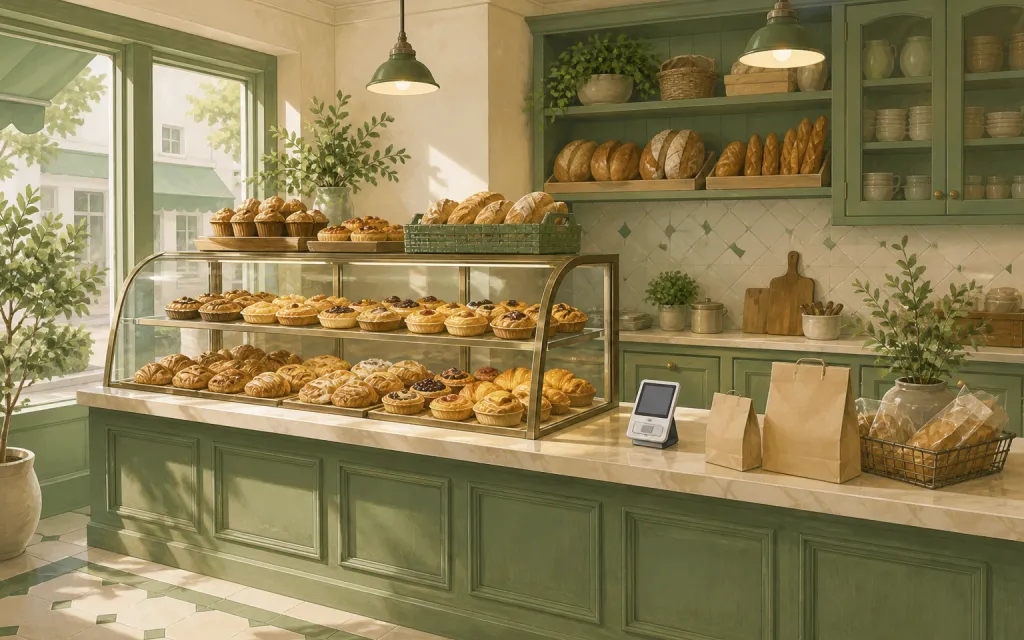
Weekend menu drops that sell out by Friday
Restaurants
Pre-orders and catering trays for the weekend
T-shirts & merch
Size and color runs counted before the print deadline
Fundraisers
Campaign orders tallied without the paper envelopes
Thanksgiving pre-orders
Pies and dinners claimed before the Wednesday rush
Christmas cookies
Cookie boxes and tins sold in limited batches
Florists
Arrangements ordered ahead with dates and card messages
Photographers
Picture-day packages matched to the right subject
Spirit wear
School tees and hoodies sized and sorted by classroom
Custom apparel
Embroidered and printed clothing orders, spec'd and counted
Schools & PTAs
Yearbooks, lunches and spirit sales from one account
Sports teams
Kit sized per player, numbered, and reordered each season
Embroidery & printing
Custom decoration jobs quoted right the first time
Valentine's pre-orders
Roses, chocolates and gift boxes claimed before the 14th
Home bakers
Cottage-kitchen orders out of the DMs and into a list
This week's menu, live on the same link by tonight.
Free while in beta — unlimited forms, unlimited orders.
Create your form — free