For florists, flower studios & farm florists
Every stem ordered ahead, every card spelled right.
One link for bouquets, arrangements, and holiday orders — with a required delivery date and the card message captured word for word, so nothing lands late or misspelled.
Free while in beta · No card required
Bloom & Thistle Floral
Flower order · delivery Sep 14
Seasonal bouquet · medium
$55.00
Dozen roses · wrapped
$42.00
Glass vase add-on
$12.00
Live demo — try the steppers. Nothing is sent.
Where flower orders go sideways
The date lives in a DM
"Can I get these for Friday?" arrives in an Instagram message you scroll past, and a delivery you could have planned becomes a same-day scramble.
Card messages get garbled
A name misheard over the phone is the one thing the recipient photographs. Retyping it from a text thread is how the typo happens.
Peak weeks overwhelm you
Valentine's and Mother's Day bring a week of orders through five channels at once, and you're triaging screenshots instead of arranging flowers.
Why QuickOrderForm
Built for a florist's calendar
A required delivery date
Every order carries the date it has to land. The dashboard sorts into a delivery run, and the order with no date attached never happens.
Card messages, word for word
A text field captures the exact message the customer typed — you copy it onto the card and read it back in the confirmation, so spelling is never in dispute.
Delivery as its own priced line
Add a flat-rate delivery line the customer selects — no absorbing postage, no negotiating it over DMs, and the total is always right.
Peak weeks in one dashboard
Valentine's and Mother's Day orders land in one list with totals calculated, so a heavy week is a schedule to work through, not an inbox to triage.
From link to fulfilled, in three steps.
- 1
List your arrangements by size
Posies, bouquets, dozen roses — priced by size, with a vase or delivery add-on as its own line. Add a required date and a card-message field.
- 2
Share the link where orders start
Instagram bio, your website, the shop window QR. The description carries your lead time and peak-week deadlines.
- 3
Arrange from a delivery run
The dashboard sorted by date is your bench schedule; each order carries its card message and address, ready to make up and send.
What to put on a flower order form
Florist forms live on two details — when it's needed and what the card says. Get these right and the rest is arranging:
- ✓
Arrangements priced by size
Customers choose in "small, medium, luxury", not stem counts — name the size and the order scales itself.
- ✓
Delivery or pickup date (date field, required)
The one detail you can't arrange without. Required means it's never missing from an order.
- ✓
Card message (long text)
Capture the exact words and read them back — the card is the part the recipient keeps.
- ✓
Recipient & delivery address (long text)
Name, address, buzzer code and a contact number — everything the driver needs on the day.
Frequently asked questions
+Can I set a delivery charge?
Yes — add delivery as its own product line with your flat rate, capped at one per order. It appears on the order and in the total, so postage is never absorbed or argued over.
+How do I handle Valentine's and Mother's Day rushes?
Put your cut-off dates in the form description and cap each arrangement at what you can make. When you're full, switch the form to Closed — the link stays live and tells customers ordering has ended for the peak.
+Can customers send an inspiration photo?
The notes field is where they describe it, and most florists ask customers to reply to the confirmation with a photo. File uploads on the form are on the roadmap.
+Do customers need an account?
No — the form is a normal web page. Customers open the link, choose an arrangement, add their date and message, and order. Only you log in, to see the dashboard.
Also made for the way they sell
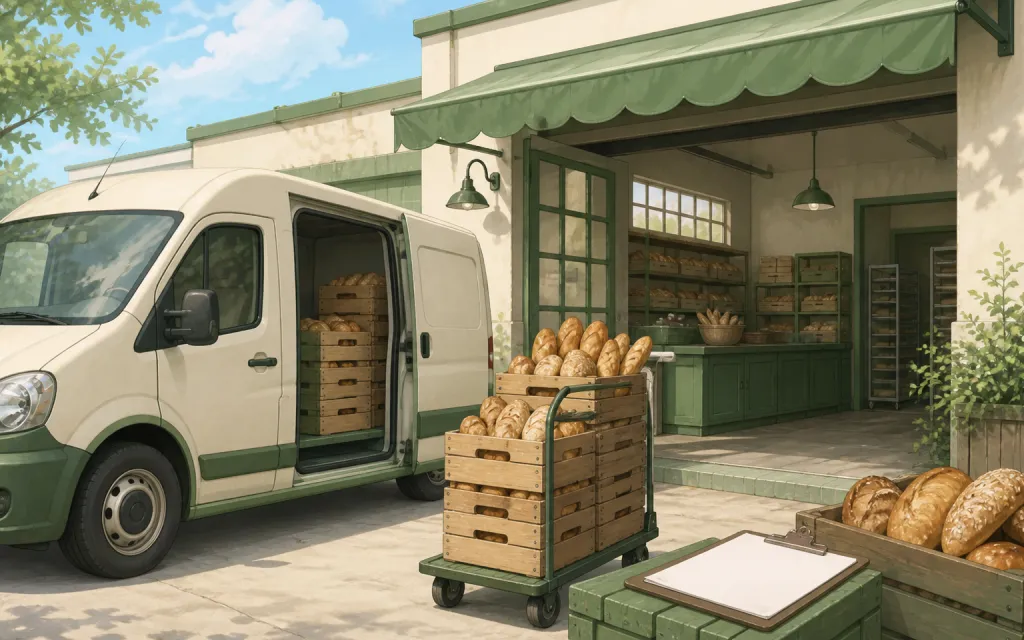
Wholesale
Weekly standing orders from your stockists
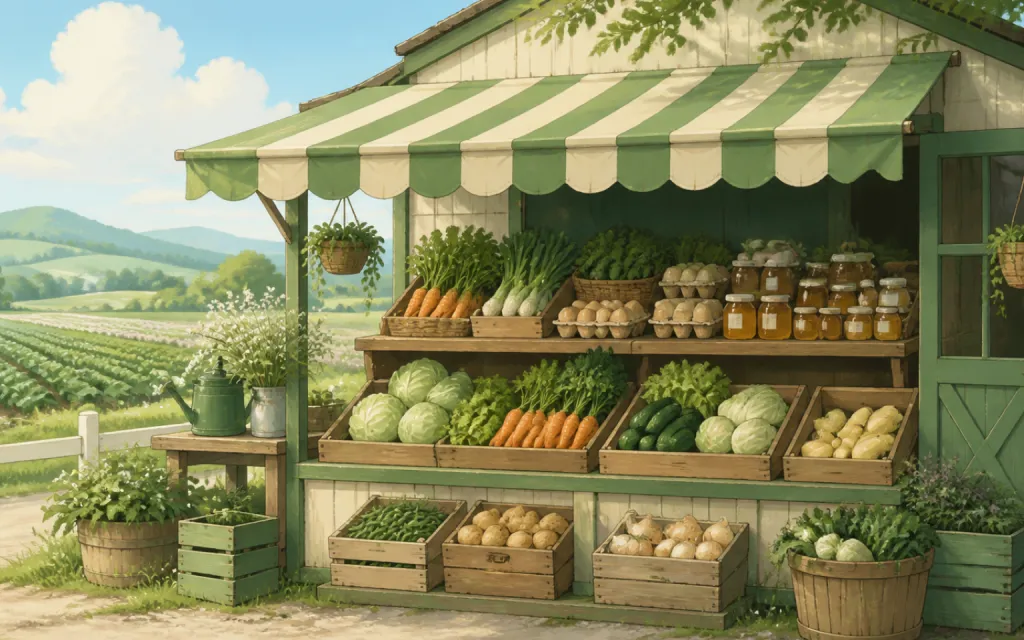
Farm stands
CSA boxes and honey jars by the crate
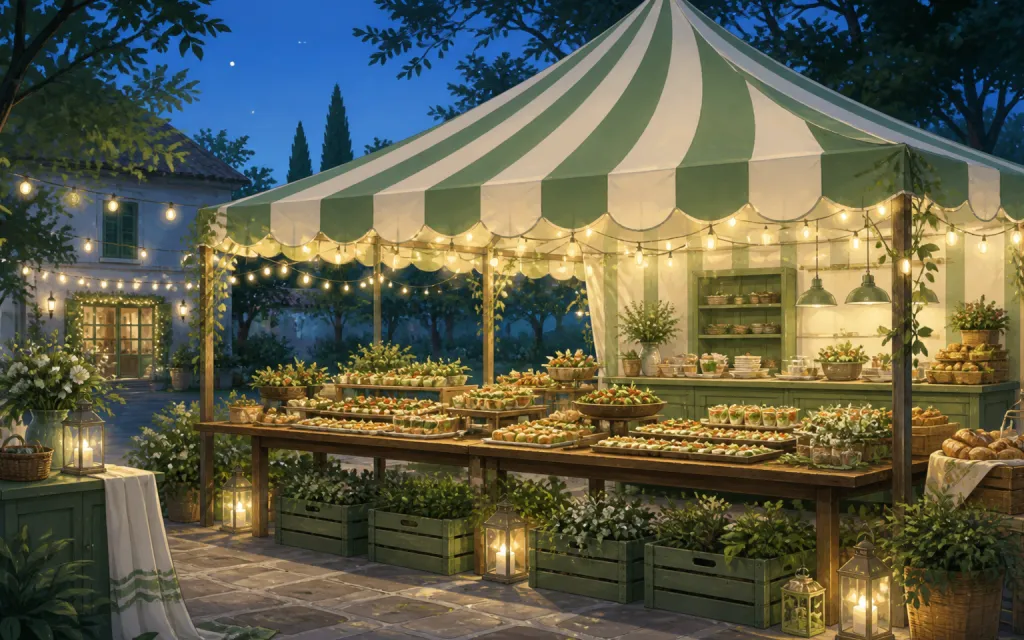
Pop-ups & catering
Per-head menus, headcounts and pickup windows
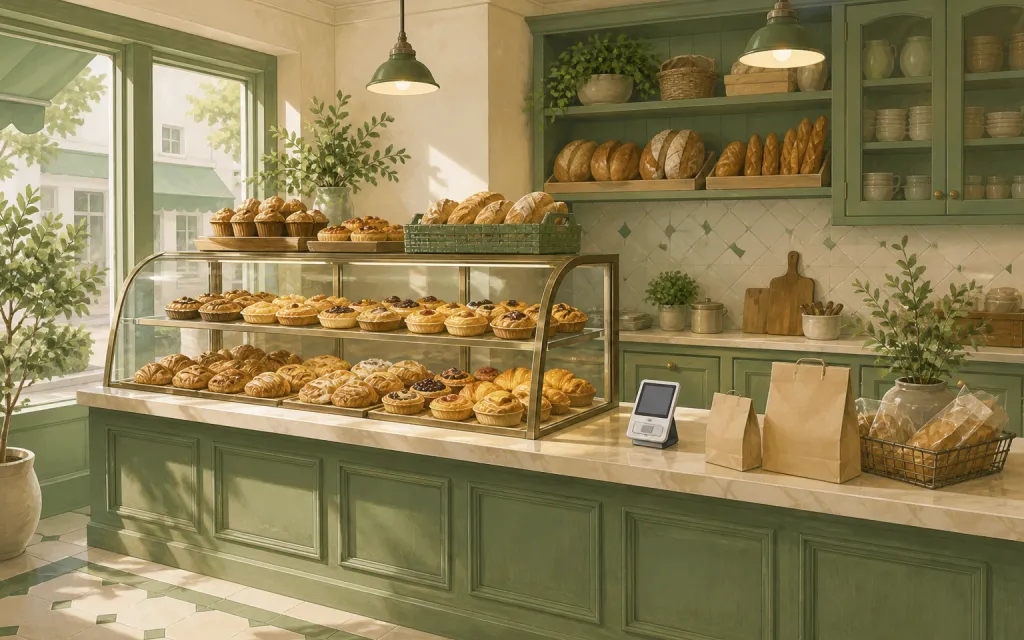
Bakeries
Weekend menu drops that sell out by Friday
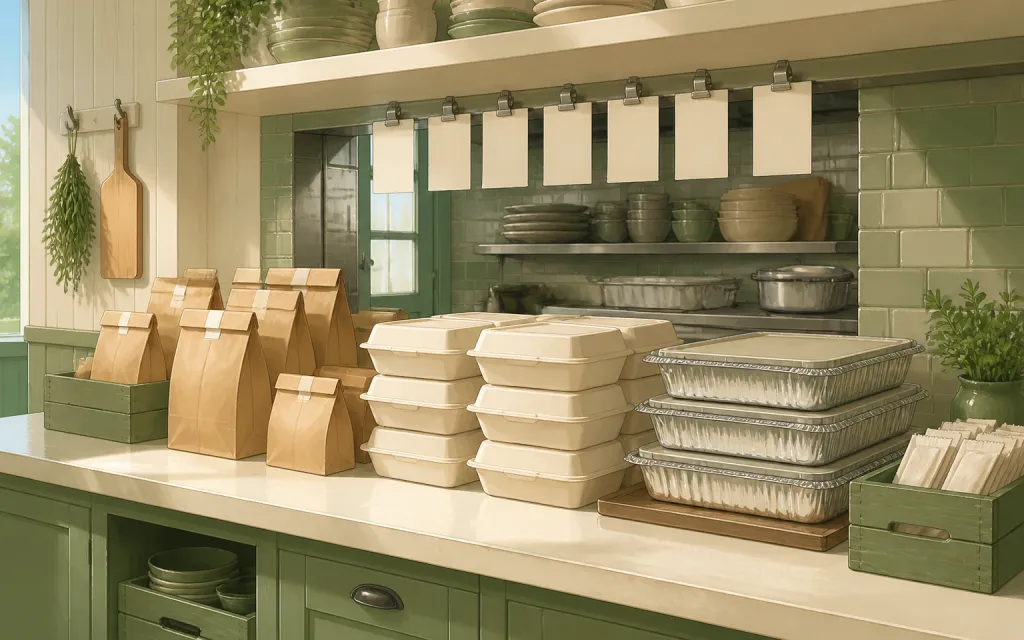
Restaurants
Pre-orders and catering trays for the weekend
T-shirts & merch
Size and color runs counted before the print deadline
Fundraisers
Campaign orders tallied without the paper envelopes
Thanksgiving pre-orders
Pies and dinners claimed before the Wednesday rush
Christmas cookies
Cookie boxes and tins sold in limited batches
Photographers
Picture-day packages matched to the right subject
Spirit wear
School tees and hoodies sized and sorted by classroom
Custom apparel
Embroidered and printed clothing orders, spec'd and counted
Schools & PTAs
Yearbooks, lunches and spirit sales from one account
Sports teams
Kit sized per player, numbered, and reordered each season
Embroidery & printing
Custom decoration jobs quoted right the first time
Valentine's pre-orders
Roses, chocolates and gift boxes claimed before the 14th
Home bakers
Cottage-kitchen orders out of the DMs and into a list
Meal prep
Weekly menus and meal packs on a repeating link
Next week's deliveries, dated and spelled right by tonight.
Free while in beta — unlimited forms, unlimited orders.
Create your form — free