For farm stands, CSAs & market gardeners
Sell the harvest before you pick it.
Post one link on your Instagram and your road sign. Neighbors reserve boxes and jars, you harvest exactly what's ordered, and nothing wilts unsold on the table.
Free while in beta · No card required
Two Creeks Farm
This week's harvest — pre-order
Veggie box · feeds 4
$32.00
Pasture eggs · dozen
$7.00
Wildflower honey · 12 oz
$12.00
Live demo — try the steppers. Nothing is sent.
The farm-stand math problem
You harvest blind
Pick too much and it composts. Pick too little and the family that drove twenty minutes leaves empty-handed and doesn't come back.
DM orders get buried
Facebook comments, Instagram DMs, texts to your personal number — by Friday you're scrolling three apps to build one pick list.
Weekly rhythms are hard to run
CSA boxes, egg shares, honey restocks — every week the same questions, the same replies, the same spreadsheet rebuilt from scratch.
Why QuickOrderForm
Made for weekly harvests
Cap what the field can give
Set a maximum quantity on every item — when the 30 veggie boxes are spoken for, nobody can order a 31st.
A link that lives anywhere
Instagram bio, Facebook post, a QR code on the road sign — customers order from their phone in under a minute.
Pick lists, not guesswork
Your dashboard totals every product across the week's orders, so Saturday morning starts with a harvest list, not arithmetic.
Pickup details built in
Add a pickup-slot dropdown and a name field, then check people off as fulfilled when they collect from the stand.
From link to fulfilled, in three steps.
- 1
List this week's harvest
Boxes, eggs, honey, flowers — with prices and weekly limits. Update the form each week in a couple of minutes.
- 2
Share the link where neighbors are
Post it Sunday evening; the form description can carry your pickup hours and the order deadline.
- 3
Harvest and hand over
Pick to the dashboard totals, lay out the orders by name, and mark each one fulfilled as it's collected.
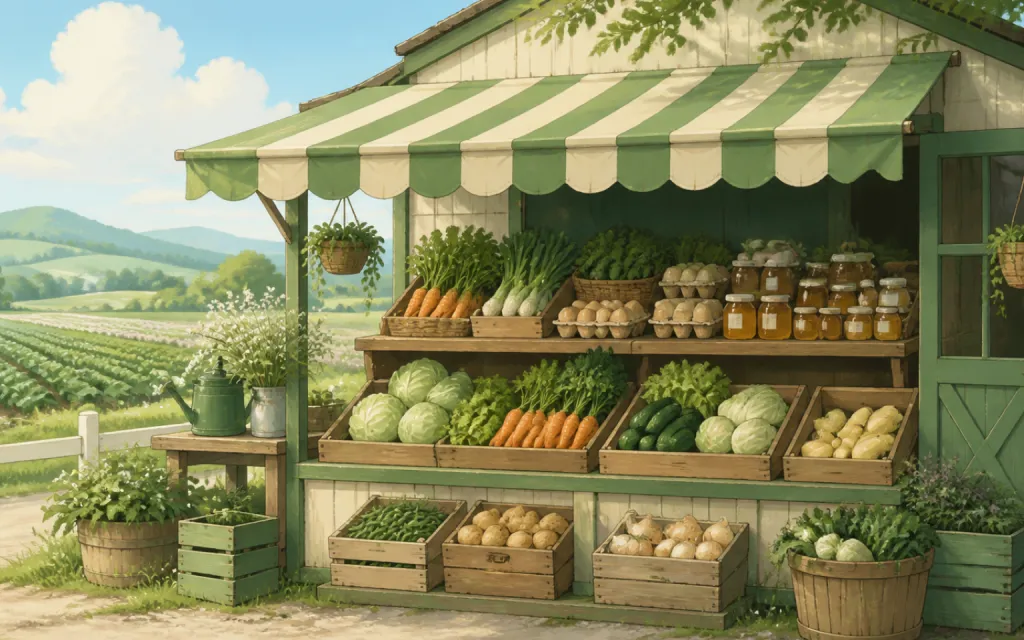
What to put on a farm stand pre-order form
The best farm forms are short — a handful of products with honest limits and the pickup details. A proven starting point:
- ✓
This week's products with quantity caps
The max-quantity limit is your crop plan in disguise: sell exactly what the field can give, never more.
- ✓
Pickup slot (dropdown)
"Saturday 9–11", "Saturday 11–1" — spreading pickups keeps the stand calm and the parking spot free.
- ✓
Phone number
Weather happens. A phone field means you can text everyone if pickup moves under the barn roof.
- ✓
Substitutions okay? (single choice)
A yes/no on swaps saves you a message thread every time the kale bolts before Saturday.
Frequently asked questions
+Can I change the products every week?
Yes — edit the form any time and the shared link stays the same. Rename items, change prices, and reset limits for each week's harvest in a few minutes.
+What happens when something sells out?
Set a max quantity per item and the form won't accept orders beyond it. For a hard stop across the whole stand, switch the form to Closed and the link shows you're done for the week.
+How do customers pay?
Most stands settle at pickup — cash box, card reader, or payment app. The form's job is reserving the order; totals are calculated so the amount is never a debate.
+Does this work for CSA shares?
Yes — list your share sizes as products with a seasonal price, cap them at your membership limit, and use a notes field for delivery preferences.
Also made for the way they sell
Wholesale
Weekly standing orders from your stockists
Pop-ups & catering
Per-head menus, headcounts and pickup windows
Bakeries
Weekend menu drops that sell out by Friday
Restaurants
Pre-orders and catering trays for the weekend
T-shirts & merch
Size and color runs counted before the print deadline
Fundraisers
Campaign orders tallied without the paper envelopes
Thanksgiving pre-orders
Pies and dinners claimed before the Wednesday rush
Christmas cookies
Cookie boxes and tins sold in limited batches
Florists
Arrangements ordered ahead with dates and card messages
Photographers
Picture-day packages matched to the right subject
Spirit wear
School tees and hoodies sized and sorted by classroom
Custom apparel
Embroidered and printed clothing orders, spec'd and counted
Schools & PTAs
Yearbooks, lunches and spirit sales from one account
Sports teams
Kit sized per player, numbered, and reordered each season
Embroidery & printing
Custom decoration jobs quoted right the first time
Valentine's pre-orders
Roses, chocolates and gift boxes claimed before the 14th
Home bakers
Cottage-kitchen orders out of the DMs and into a list
Meal prep
Weekly menus and meal packs on a repeating link
This Saturday, harvest to a list — not a hunch.
Free while in beta — unlimited forms, unlimited orders.
Create your form — free