For embroidery shops, screen printers & decorators
Custom decoration orders, quoted right the first time.
One link for spec-heavy jobs: garment, method, placement, and one-off setup charges as their own lines — so digitising and screen setup are always captured and the quote holds.
Free while in beta · No card required
Stitch & Press Co.
Custom decoration order
Screen-printed tee · one colour
$12.00
Embroidered cap
$18.00
Screen setup · per colour
$25.00
Live demo — try the steppers. Nothing is sent.
Where decoration quotes go wrong
Every quote is a DM thread
Garment, colours, placement, stitch count — the same job re-quoted three times because the details arrived in pieces across a week.
Setup charges forgotten
Digitising and screen setup are real costs that quietly get left off the quote — so the first order loses money and you notice at invoicing.
Reorders re-priced from scratch
A repeat customer asks for "the same again" and you rebuild the whole quote, unsure what carried a one-time charge last time.
Why QuickOrderForm
Built for spec-heavy decoration
Setup charges as their own lines
Digitising and screen setup get their own priced lines the customer adds — so the first order carries them, reorders don't, and the total is right either way.
Method and placement captured up front
Required method and placement fields mean a quote is never built for the wrong process or the wrong location on the garment.
Your blanks or theirs
Separate lines for "supplied on our blank" and "decoration only" price both paths, so the customer who brings their own garments is quoted correctly.
A job register you can reorder from
Every order lands with its design reference, method, and quantities in an exportable list — so "the same again" is a lookup, not a rebuild.
From link to fulfilled, in three steps.
- 1
List garments and decoration as products
Blanks and decoration-only lines, plus digitising and screen-setup as one-off priced lines. Add required method and placement fields and a design reference.
- 2
Send the link to the customer
Your website, a reply to an enquiry, a QR at the counter. The description carries turnaround, minimums, and how setup charges work.
- 3
Proof, run, and file the job
Each order carries its spec and total; proof the art, run the job, and the exportable register is what you reorder from next time.
What to put on a decoration order form
A decoration form has to pin the spec and charge the setup. Cover these and the quote holds:
- ✓
Garment lines, yours or theirs
Separate "on our blank" and "decoration only" lines price both paths without a conversation.
- ✓
Setup charges as one-off priced lines
Digitising and screen setup, each on its own line — carried on the first order, reused free on reorders.
- ✓
Method & placement (choices, required)
Embroidery vs printing, and where on the garment — captured so the quote fits the process.
- ✓
Design reference + a proof step
A named design and a stated proof-before-run step turn a vague brief into a signed-off approval.
Frequently asked questions
+How do I handle digitising and screen setup charges?
Put each as its own priced product line the customer adds — never a fee inside a dropdown option. Only priced product lines are added to the total, and a separate line makes it clear the charge is one-off and reused free on reorders.
+Can one form handle both embroidery and printing?
Yes — the method field covers both, and the setup lines (digitising for embroidery, screen setup per colour for printing) sit side by side. For a job needing both on one garment, note it in the method choice and the art notes.
+How do customers send artwork?
The design-reference field names the job and the notes box describes the file; most shops ask customers to email artwork after ordering. File uploads on the form are on the roadmap.
+What does it cost?
QuickOrderForm is free while in beta — unlimited forms and unlimited orders, with every quote totalled for you.
Also made for the way they sell
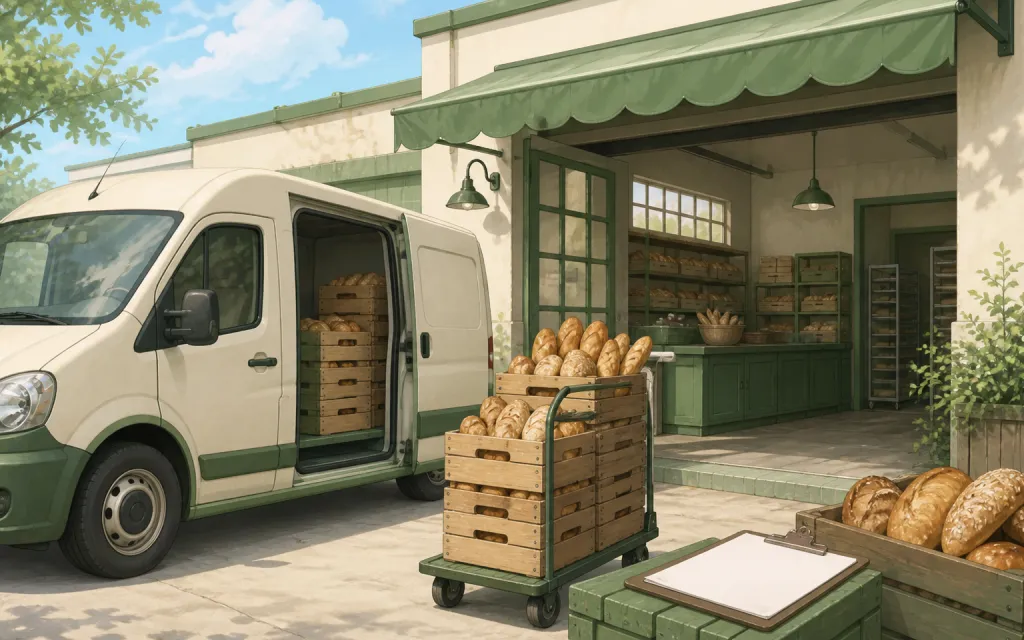
Wholesale
Weekly standing orders from your stockists
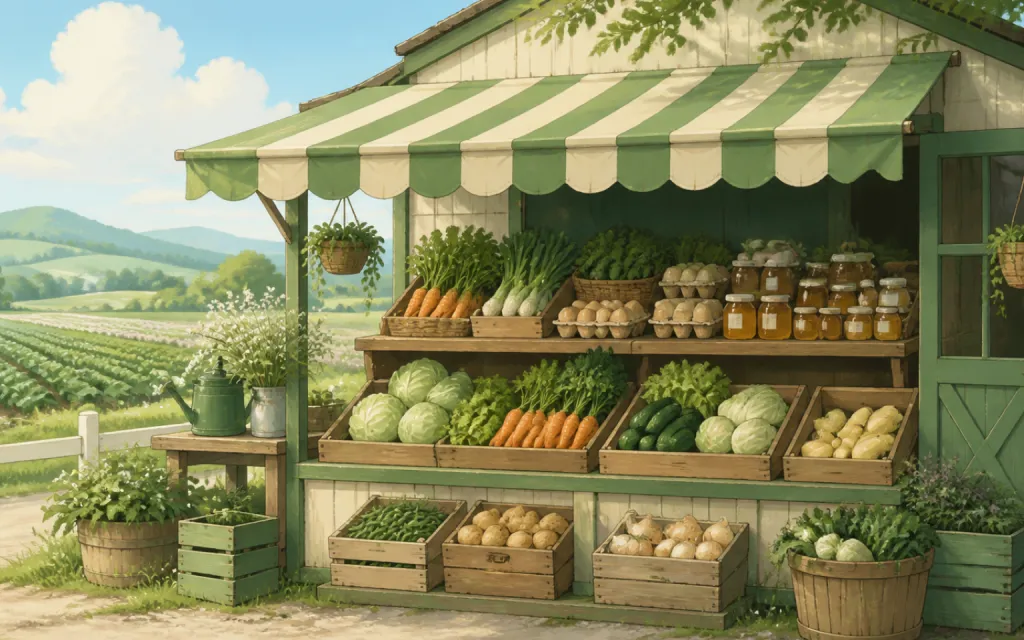
Farm stands
CSA boxes and honey jars by the crate
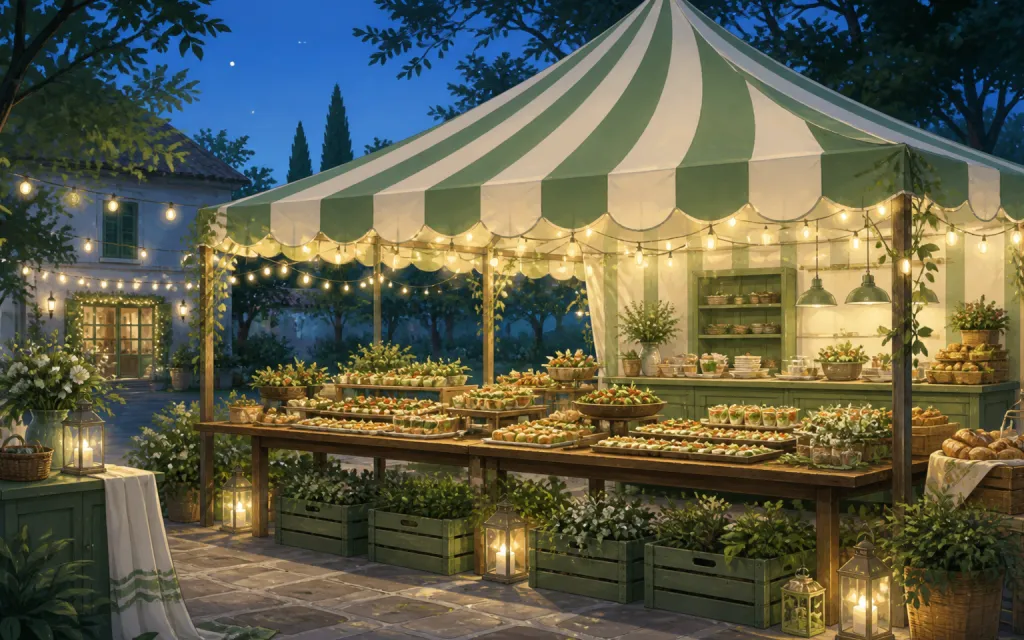
Pop-ups & catering
Per-head menus, headcounts and pickup windows
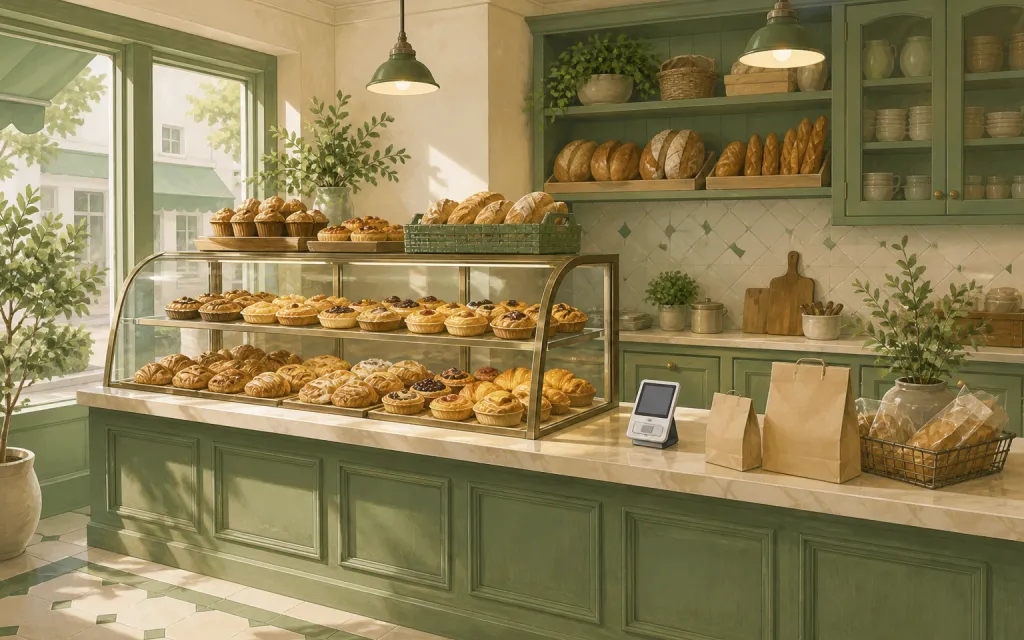
Bakeries
Weekend menu drops that sell out by Friday
Restaurants
Pre-orders and catering trays for the weekend
T-shirts & merch
Size and color runs counted before the print deadline
Fundraisers
Campaign orders tallied without the paper envelopes
Thanksgiving pre-orders
Pies and dinners claimed before the Wednesday rush
Christmas cookies
Cookie boxes and tins sold in limited batches
Florists
Arrangements ordered ahead with dates and card messages
Photographers
Picture-day packages matched to the right subject
Spirit wear
School tees and hoodies sized and sorted by classroom
Custom apparel
Embroidered and printed clothing orders, spec'd and counted
Schools & PTAs
Yearbooks, lunches and spirit sales from one account
Sports teams
Kit sized per player, numbered, and reordered each season
Valentine's pre-orders
Roses, chocolates and gift boxes claimed before the 14th
Home bakers
Cottage-kitchen orders out of the DMs and into a list
Meal prep
Weekly menus and meal packs on a repeating link
Quote the custom job right, and reorder it in a click.
Free while in beta — unlimited forms, unlimited orders.
Create your form — free