For micro-bakeries, home bakers & cake makers
Bake sold-out weekends, not leftovers.
Drop your weekend menu as a link, cap every bake at oven capacity, and start Saturday with a pull list of paid-attention orders instead of a pile of DMs.
Free while in beta · No card required
Rosa's Bakery
Weekend menu — pre-order
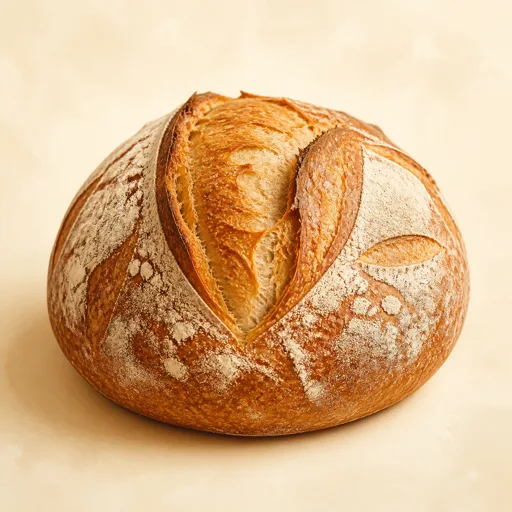
Sourdough loaf
$8.00
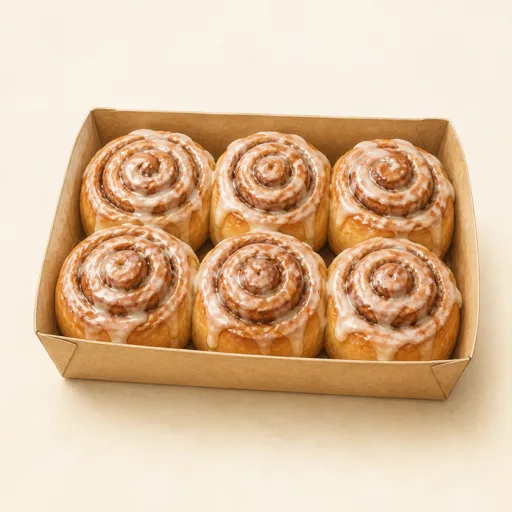
Cinnamon rolls · 6-pack
$14.50
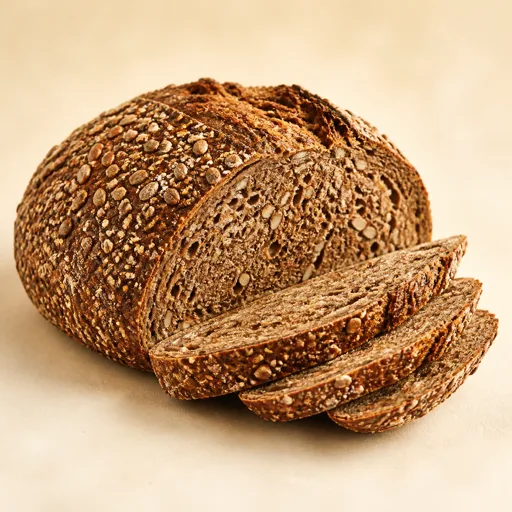
Seeded rye
$9.00
Live demo — try the steppers. Nothing is sent.
The DM-order treadmill
Menus drop, chaos follows
You post the weekend menu and spend the next two evenings answering the same three questions in fifty conversations.
Overselling the ovens
Somewhere around message thirty you lose count of the cinnamon rolls, promise six too many, and bake past midnight to cover it.
Cake details scattered
"What was the inscription again?" — flavor, size, allergies, and pickup time live across a week-old thread you have to scroll to find.
Why QuickOrderForm
Made for menu drops & cake orders
Sell exactly what you can bake
Cap every item at oven capacity — 24 loaves, 10 roll packs — and the form stops selling when you would have stopped baking.
Product photos that do the selling
Add a photo to every bake. A golden crust converts better than any caption you'll ever write.
Cake orders with all the details
Dropdowns for size and flavor, a text field for the inscription, a date field for pickup — every cake arrives fully specified.
A pull list, not a scroll-back
Saturday's dashboard shows every order with names and totals. Mark them fulfilled as boxes leave the counter.
From link to fulfilled, in three steps.
- 1
Post the menu as products
Each bake with its price, photo, and weekend limit. Add pickup-slot and note fields once — they carry over every week.
- 2
Drop the link on Thursday
Instagram bio and story, plus the regulars' WhatsApp group. The description carries pickup hours and the order deadline.
- 3
Bake the list, hand over boxes
Totals per product tell you what to mix Friday night. Saturday is names on boxes and orders marked fulfilled.
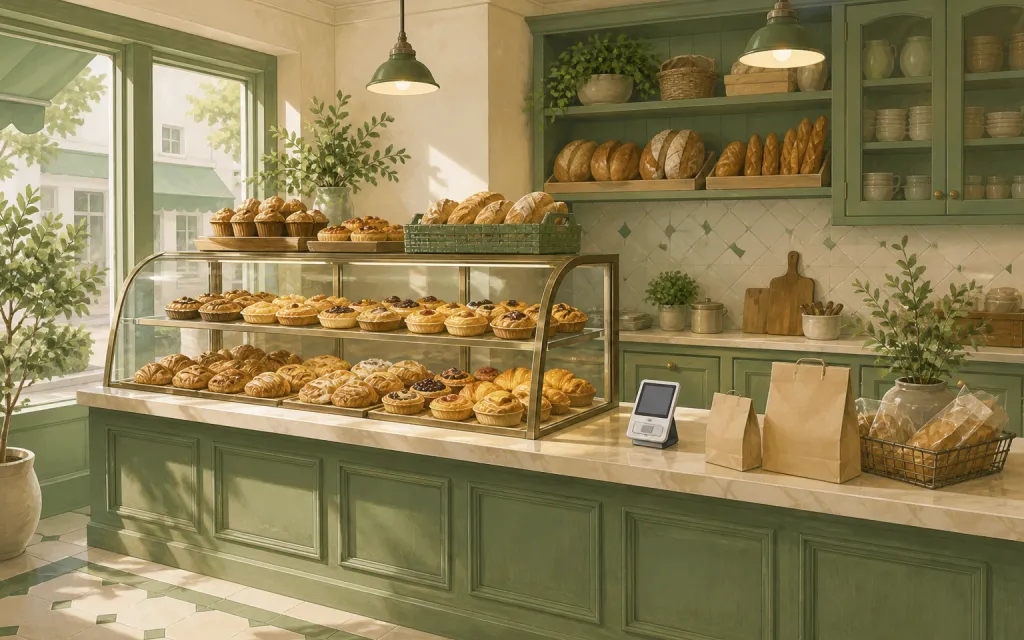
What to put on a bakery order form
Bakery forms come in two shapes — the weekly menu drop and the custom cake order. Both are a handful of fields done well:
- ✓
Bakes as products, with photos and caps
Photos sell the bake; quantity caps protect your sleep. Name pack sizes explicitly — “6-pack”, “half dozen”.
- ✓
Pickup slot (dropdown, required)
Staggered slots keep the doorstep queue short and the bakes warm when they're collected.
- ✓
Cake options (dropdowns + short text)
Size, sponge, filling as dropdowns; inscription as short text. Structured answers end the detail-hunting thread.
- ✓
Allergies (long text, required)
Get it in writing with the order — not in a comment you have to remember exists.
Frequently asked questions
+How do I stop overselling my bakes?
Give every product a maximum quantity that matches your capacity. Once orders reach the cap, customers can't add more — the form does the counting you used to do in DMs.
+Can customers pay when they order?
Payments in the form are on our roadmap. Bakers today settle at pickup or send a payment link with the confirmation — the order total is already calculated for you.
+Can I use one form for both the menu and custom cakes?
You can, but two forms work better: the weekly drop stays fast, and the cake form carries its own option dropdowns and longer lead time. Both links live happily in one Instagram bio.
+What does it cost?
QuickOrderForm is free while in beta — unlimited forms and unlimited orders.
Also made for the way they sell
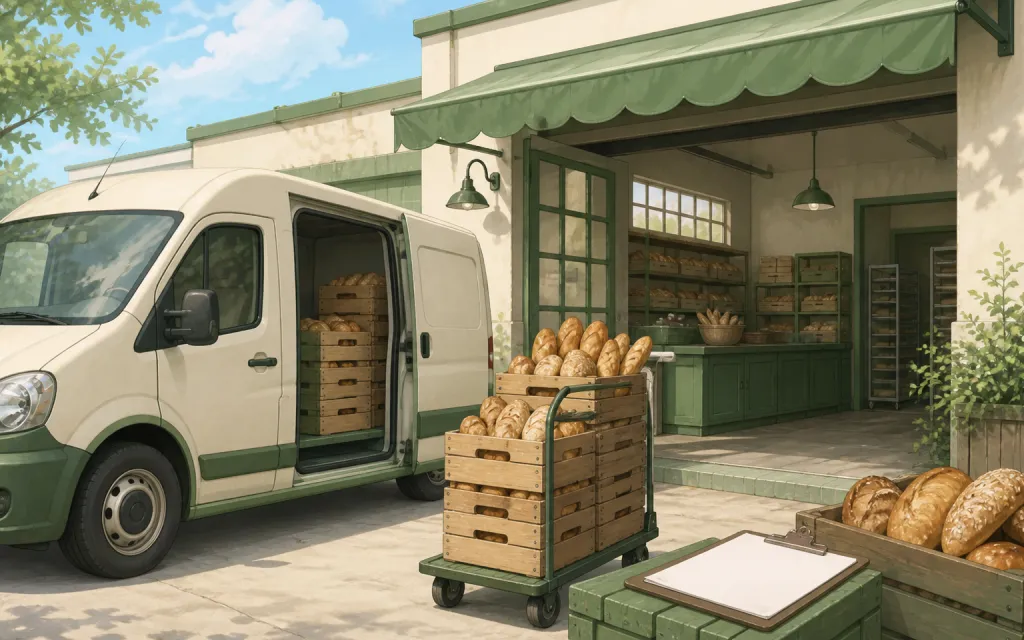
Wholesale
Weekly standing orders from your stockists
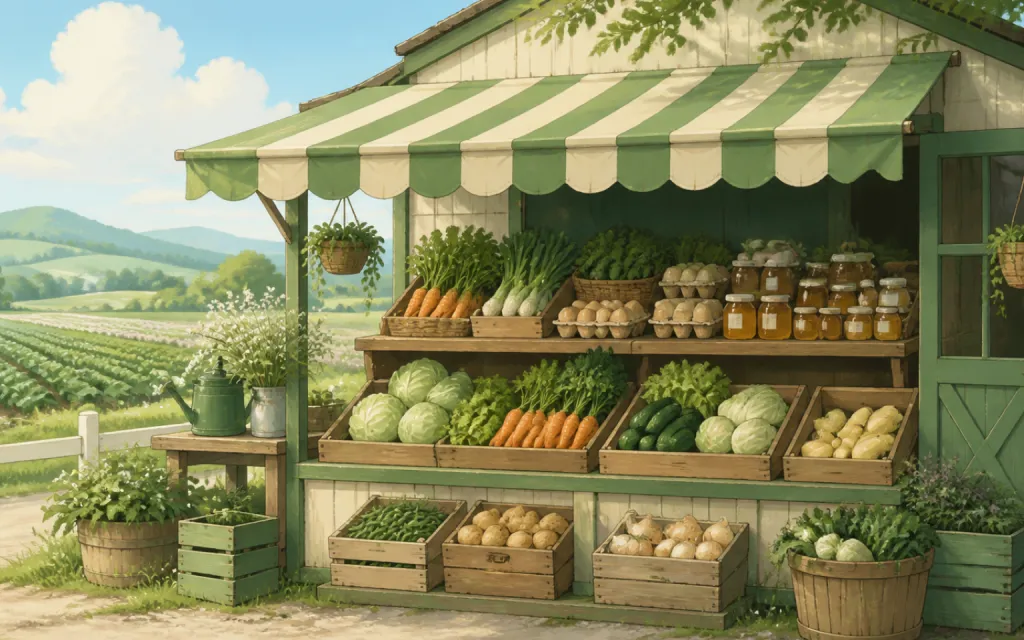
Farm stands
CSA boxes and honey jars by the crate
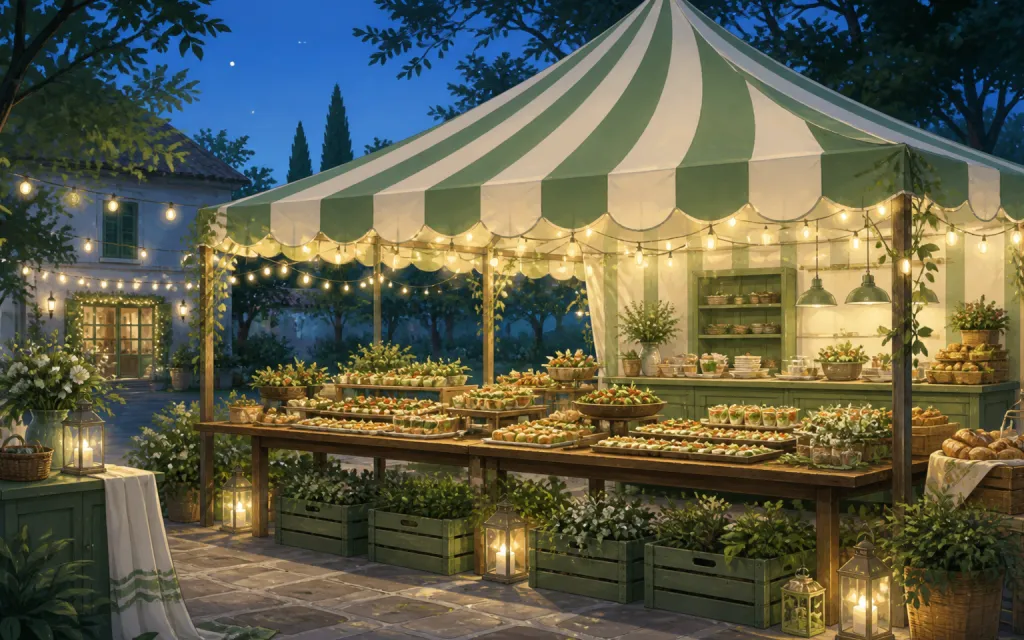
Pop-ups & catering
Per-head menus, headcounts and pickup windows
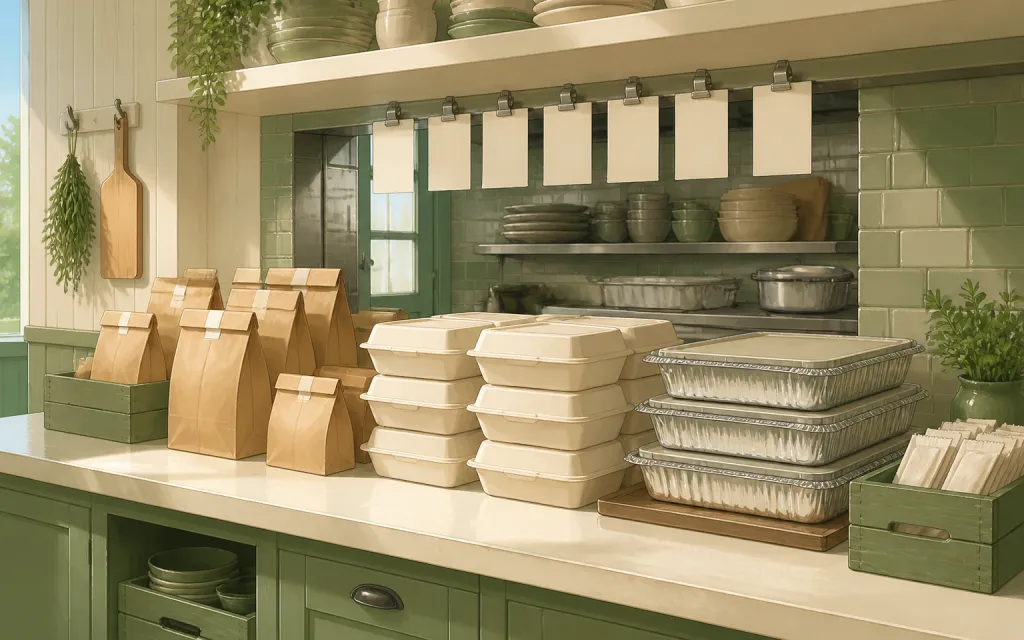
Restaurants
Pre-orders and catering trays for the weekend
T-shirts & merch
Size and color runs counted before the print deadline
Fundraisers
Campaign orders tallied without the paper envelopes
Thanksgiving pre-orders
Pies and dinners claimed before the Wednesday rush
Christmas cookies
Cookie boxes and tins sold in limited batches
Florists
Arrangements ordered ahead with dates and card messages
Photographers
Picture-day packages matched to the right subject
Spirit wear
School tees and hoodies sized and sorted by classroom
Custom apparel
Embroidered and printed clothing orders, spec'd and counted
Schools & PTAs
Yearbooks, lunches and spirit sales from one account
Sports teams
Kit sized per player, numbered, and reordered each season
Embroidery & printing
Custom decoration jobs quoted right the first time
Valentine's pre-orders
Roses, chocolates and gift boxes claimed before the 14th
Home bakers
Cottage-kitchen orders out of the DMs and into a list
Meal prep
Weekly menus and meal packs on a repeating link
This weekend's menu could be a link by tonight.
Free while in beta — unlimited forms, unlimited orders.
Create your form — free